
See bottom of article if you are unable to define a worksite location.
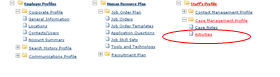
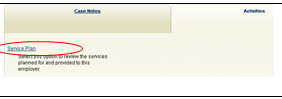
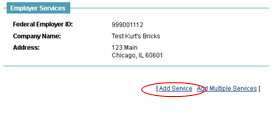
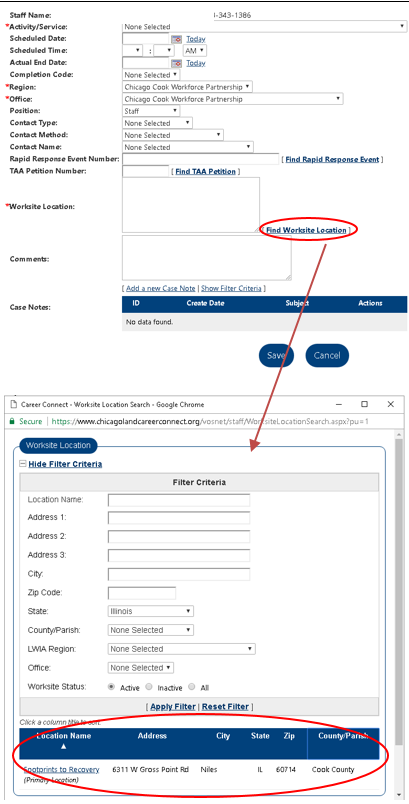
If you are unable to the service location, there may be a goofy error that is easily fixed. Sometimes when something is copied from the internet, special characters such as %^& can get copied too. If you go to the companies location page (https://workforceboard.zendesk.com/hc/en-us/articles/115006019627-Adding-Locations) and choose edit you should review the location name. If there are special characters in the name, remove them. Save the location and try creating a service again. An example of this happened on Bud's Ambulance Svc. where the location name was "Bud's Ambulance Svc"
Comments
0 comments
Please sign in to leave a comment.