If the employer is a chain merchant, staff must document the various worksite locations from which the employer conducts business. This is important, because each job order requires a worksite and an employer contact at that location.
Adding Locations
|
Screenshots
|
Notes
|
|
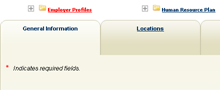
Within an Employer (via search or Currently Managing on left Panel), click on the Locations Tab
|
|
|
|
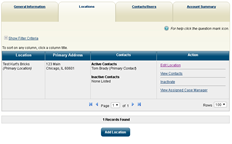
Once on the Locations tab, click << Add Location>> button
|
|
This will cause a new screen to appear
|
|
Enter the appropriate new location’s information
|
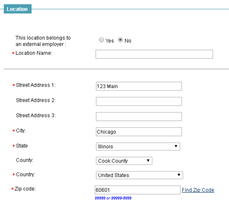 |
Enter the name of the location, NOT the company name.
|
|
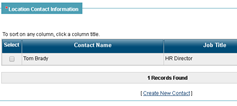
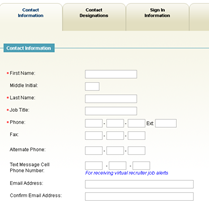
If a new contact is required click <<Create New Contact>>
|
|
If a new contact is not required for the new location, you need to select the existing contact as the location’s contact.
If a new contact is required, click the <<Create New Contact>> link and input the necessary information.
|
|
Adding new contact:
Select <<Next>> and select the contact’s role
|
|
|
|
Select <<Next>>
|
|
|
|
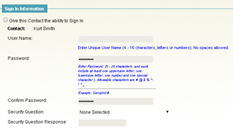
Skip this step and click <<Finish>>
|
 |
|
|
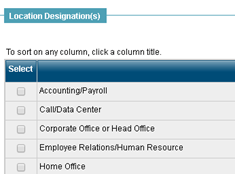
Select the location designation
|
 |
|
|
Save
|
|
|

Comments
0 comments
Please sign in to leave a comment.