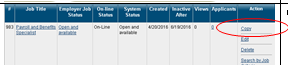
Near the bottom of the job order detail, there is a <<Copy Job Order>> link. Click.
Select the copy method desired
Copying a job order comes in handy when you have a new job order that’s the same as one that was closed or if you have the same position at two different worksite locations
Choosing “Copy Job as is” will make an exact copy with the ability to edit any section.
Choosing “Copy Job with advanced options” will essentially take you through the wizard again.
Copy Option 2
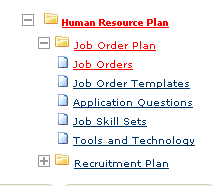
Navigate back to <<Job Orders>> for the desired employer.



Comments
0 comments
Please sign in to leave a comment.